Changelog
Every update we ship to make your restaurant QR menu, online orders and reservations smoother. Newest first.
AI-Generated Dish Photos for Your Entire QR Menu
Stop searching stock galleries and stop scheduling photo shoots. IQ Rest now generates a complete set of mouth-watering dish photos in a single, consistent style — straight from your menu names.
Read more →AI-Generated Restaurant Cover Background
Your QR menu opens with the right vibe even before guests scroll. IQ Rest now generates a custom cover background that matches your cuisine and atmosphere — automatically.
Read more →3-Step Signup Wizard: From Email to Working QR Menu in Under a Minute
Pick your cuisine. Type your restaurant name. Confirm your email. Done — your QR menu is ready, with sample dishes and AI-generated photos.
Read more →AI-Built Sample Menu Right After Signup
No more staring at an empty dashboard. IQ Rest seeds your account with cuisine-appropriate categories, dishes and AI photos so you can edit, not start from scratch.
Read more →7-Step Interactive Menu Tour on First Visit
We don't make you read documentation. The first time you open the menu, IQ Rest walks you through it — add category, add dish, edit, sort, preview, share, all in seven taps.
Read more →Custom-Tailored Landing Page in Every Language
Visitors don't get an auto-translated page anymore. Each of the 35 supported languages has its own landing page, written for that market.
Read more →Sign in with Google — One-Tap Access to Your QR Menu
Skip OTP emails and forgotten passwords. Tap 'Continue with Google' and you're inside the dashboard in under a second.
Read more →Multilingual Email Notifications in All 35 Languages
Every email IQ Rest sends — support replies, trial reminders, subscription receipts — arrives in the language you set in your dashboard. Including right-to-left layouts.
Read more →iOS-Native Feel on Your Phone
Bottom tab navigation, full safe-area awareness, no-zoom form inputs and instant page transitions. Managing your QR menu on a phone now feels like using a native iOS app.
Read more →GDPR-Compliant Cookie Consent Banner
Custom-built consent banner with no third-party CMP, no script tag from Cookiebot or OneTrust. Aligned with AEPD and ePrivacy guidance, with cookieless analytics that fire before consent.
Read more →Privacy, Terms and Cookie Policy in Modals — No Page Jumps
Click any legal link on the landing or auth page and the policy opens in a clean modal. No navigation, no losing your scroll position, no breaking your conversion flow.
Read more →Auto-Catalan Detection for Visitors from Catalonia
Visitors from Barcelona, Tarragona, Lleida and Girona land on the Catalan version of IQ Rest by default. The rest of Spain still gets Castilian Spanish.
Read more →Trial Expired? Your QR Menu Stays Live for Guests
Trial expiry no longer kills your public menu. Guests can still scan and view; only the dashboard prompts you to upgrade. No surprise downtime in the middle of service.
Read more →Item → Dish: Clearer Terminology Across the Editor
We replaced the generic 'Item' label with 'Dish' across every dashboard surface. Small change, big clarity boost for restaurant owners who don't speak SaaS.
Read more →Auto-Default Category — Skip the Empty Menu
First-time users land on a menu with one default category already created. Tap 'Add Dish' and start editing. No more 'create category first' barrier.
Read more →Skip the Restaurant Name Step in Onboarding
You don't need to type your restaurant name to start building a menu. We dropped that onboarding step — set the name later from the dashboard, or via the live menu hero.
Read more →Try a QR Menu Before You Sign Up
Build a sample menu, see what your QR code looks like, preview the live experience — all before creating an account. Save your progress via email link when you're ready.
Read more →Save Your Menu Progress via Email Link
Built a menu anonymously and want to keep it? Type your email. We send a magic link that converts your anonymous work into a real account in one tap.
Read more →One-Click Stripe Checkout for Returning Users
Logged-in user clicks a plan? Straight to Stripe checkout, no extra confirmation screen. Two clicks from pricing page to subscription active.
Read more →Dashboard UI Redesign: Consistent Cards, Navigation & Form Actions
A polished dashboard with unified card styling, persistent sidebar navigation, accent-colored active states, and bottom save/delete actions on every form page.
Read more →AI Menu Scanner — Create a Digital QR Menu in One Photo
AI Menu Scanner — Create a Digital QR Menu in One Photo
Read more →Redesigned Dashboard for QR Menu Management
Redesigned Dashboard for QR Menu Management
Read more →Reservation Emails & Analytics for Your Digital QR Menu
Reservation Emails & Analytics for Your Digital QR Menu
Read more →Multi-Currency Geo-Pricing for Your QR Menu
Multi-Currency Geo-Pricing for Your QR Menu
Read more →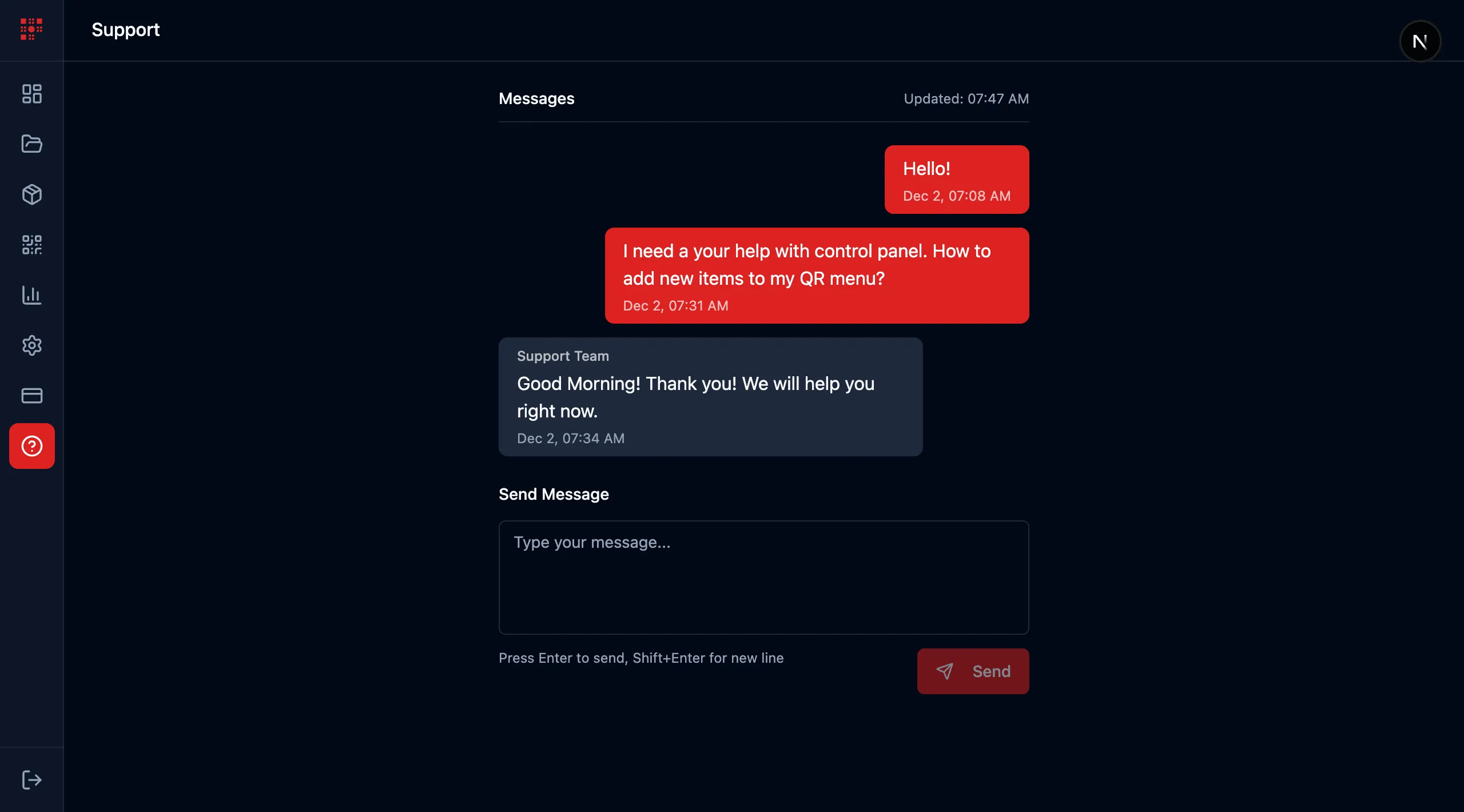
In-App Support for Your QR Menu
In-App Support for Your QR Menu
Read more →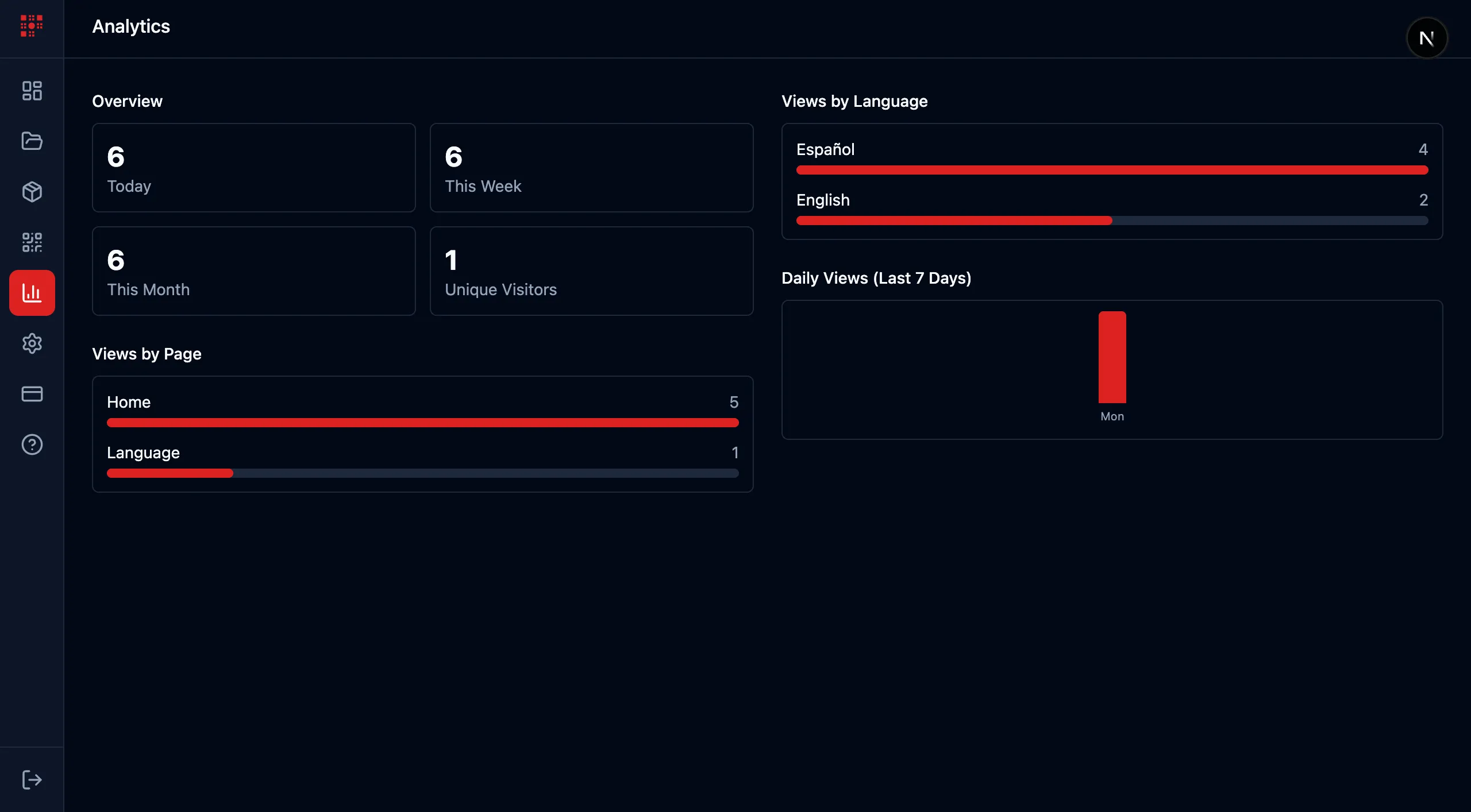
Detailed Analytics for Your QR Menu Website
Detailed Analytics for Your QR Menu Website
Read more →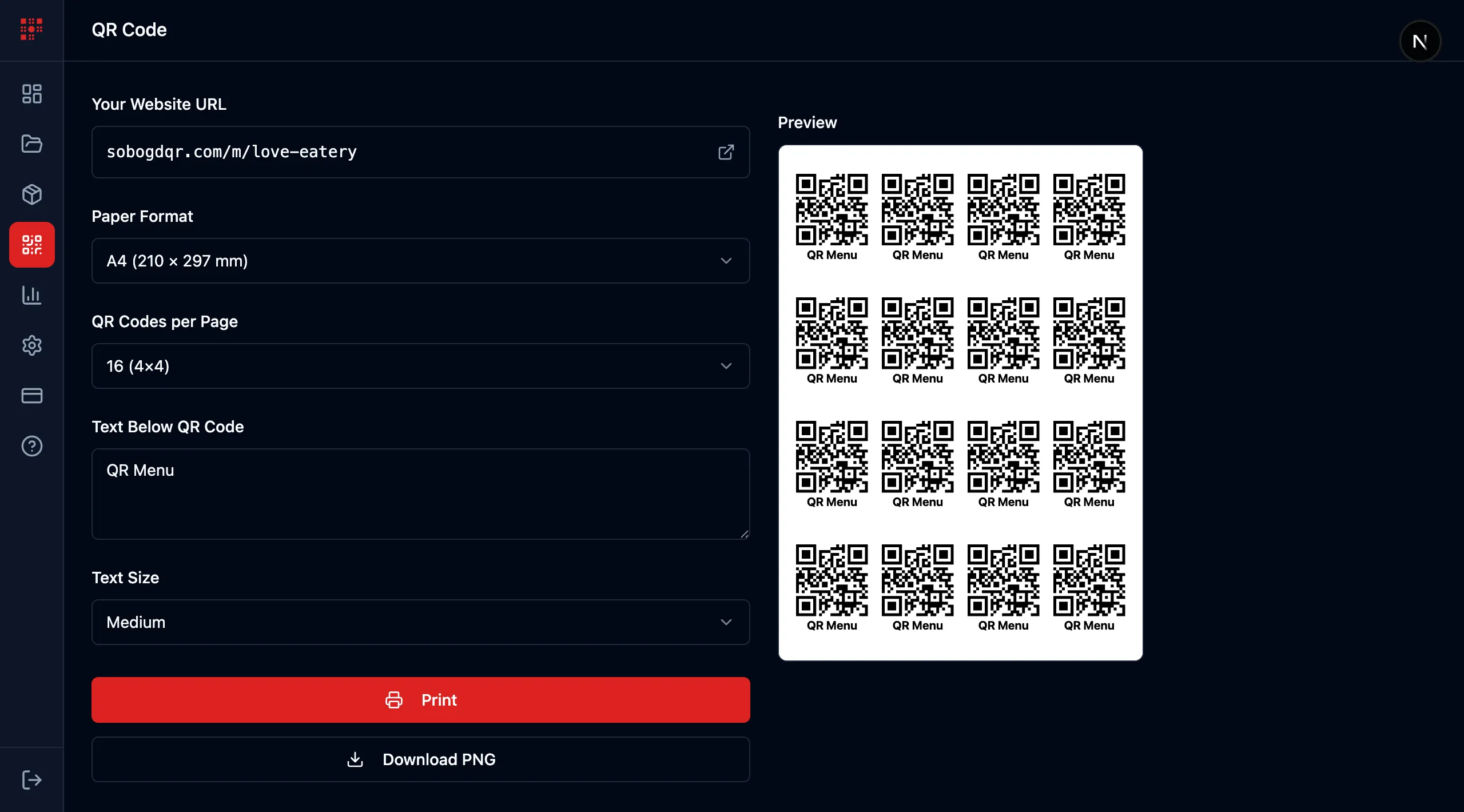
Instant QR Menu & Restaurant Website Generator
Instant QR Menu & Restaurant Website Generator
Read more →Subscription Plans for Your QR Menu
Subscription Plans for Your QR Menu
Read more →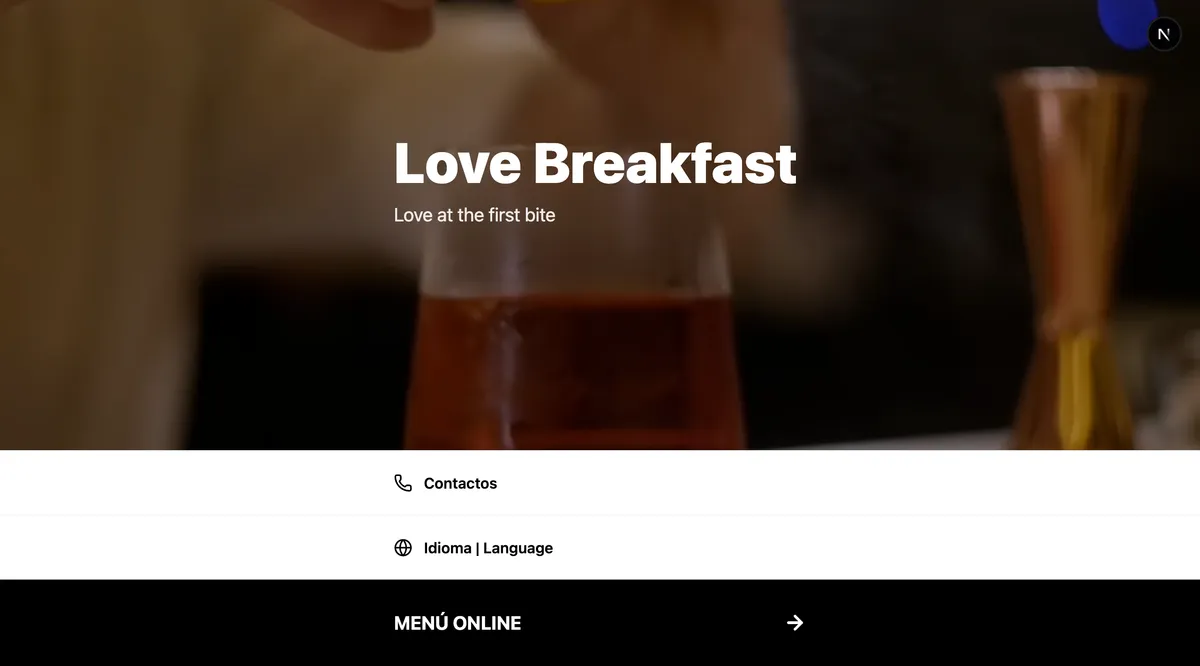
Public Restaurant QR Menu Website
Public Restaurant QR Menu Website
Read more →Add Items to Your QR Menu in Seconds
Add Items to Your QR Menu in Seconds
Read more →Categories for Your Restaurant QR Menu
Categories for Your Restaurant QR Menu
Read more →Easy QR Menu Café Control Panel
Easy QR Menu Café Control Panel
Read more →FAQ Page Organization
FAQ Page Organization
Read more →Free Restaurant Website Improvements
Free Restaurant Website Improvements
Read more →User Authentication Interface
User Authentication Interface
Read more →